


























































RolePlaya Worlds: The Complete Guide to Shared Universes
 Captain, founder of RolePlaya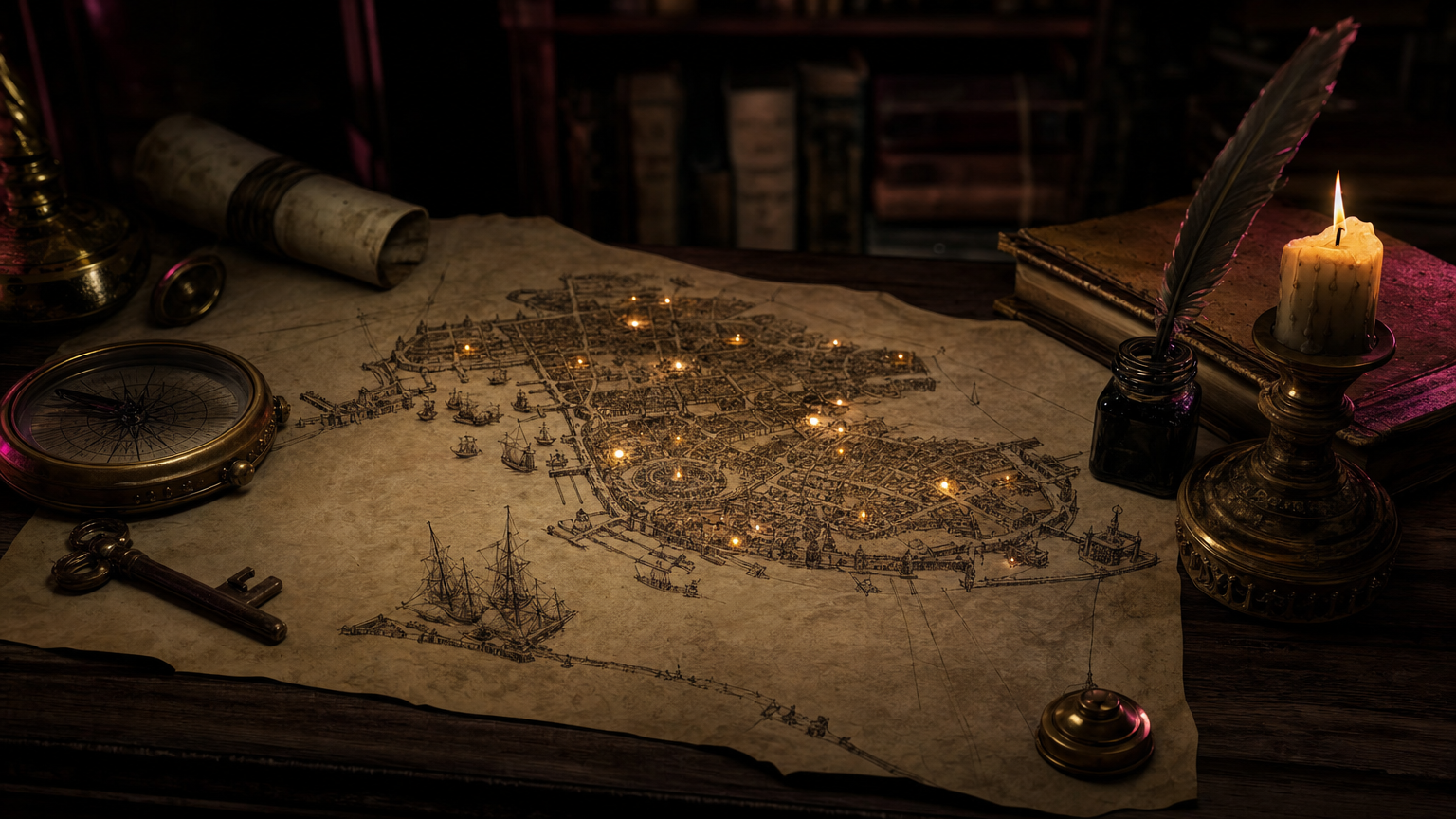
The short answer: a World on RolePlaya is a shared universe for a group of characters. Every character in it follows the same lore, knows who the rest of the cast are, and can hear about the big moments you shared with the others. Any member can chat with characters in public Worlds. Building your own needs a Bit of a Playa or Total Playa plan. This guide covers how Worlds work, how to build a good one and how to find the best ones.
What a World does
On their own, characters live in separate bubbles. A hotel bellhop has apparently never met the receptionist, the concierge or the bartender, so when you ask about them, the character makes someone up. Put those characters in the same World and the whole hotel comes to life:
- Shared lore. Every character follows the same history, setting and rules, so the story stays consistent whoever you talk to.
- A cast who know each other. Each character knows the names, roles and personalities of everyone else in the World, so the bellhop can tell you the concierge is in a mood today.
- Relationships that hold. Rivalries, families and romances written into the World are treated as true by every character.
- Word Gets Around. Confess something to one character and another may have heard about it by the time you see them.
Who can use Worlds
| What you want to do | Free | Bit of a Playa | Total Playa |
|---|---|---|---|
| Chat with characters in public Worlds | Yes | Yes | Yes |
| Build and manage your own Worlds | No | Yes | Yes |
| Word Gets Around | On characters you have unlocked Enhanced Memory on | Yes, every character | Yes, every character |
| Have a character in a challenge World | Yes | Yes | Yes |
Word Gets Around: characters who talk about you
This is the part people love most. When you chat with one character in a World, they may have heard secondhand about the big moments you shared with the others: a first kiss, a confession, a fight, a promise. They react the way a real person hearing the news would. Curious, teasing, jealous, worried or impressed, depending on who they are.
- Only the big moments travel. Small talk stays private, and nobody gossips about where you happened to be standing.
- It is secondhand. Characters never claim they were there. They bring it up when it fits the scene, and something said in confidence is hinted at rather than announced to the room.
- Your Playas are kept apart. If you play as more than one Playa, each keeps their own story. What one Playa did is never pinned on another.
World creators can turn this off with the Word gets around switch on the Edit World page, for a World full of people keeping secrets. Individual characters can also be set to keep to their own story when they are assigned, so they neither share nor hear anything. For everything else characters remember about you, see How Memory Works on RolePlaya.
How to build a World
- Go to Create World from My Worlds. If you would rather not start from a blank page, pick one of the ready-made World templates and adapt it.
- Name it and describe it. The description is the summary people see when they find your World.
- Write the lore. This is the history, setting, rules and tone every character will follow. Stuck? The lore generator writes a rich first draft for 50 Playa Points, which you can then edit.
- Add AI context notes for anything about how the characters should behave in this World specifically.
- Add a thumbnail so your World stands out in Public Worlds.
- Choose public or private. Public Worlds can be found and enjoyed by everyone. Private ones are just for you.
- Assign your characters from the World Dashboard, give each one a role, and set out how they relate to each other.
Characters you add pick up the World straight away, including characters you made months ago. There is no need to start a new chat.
Building a World with other creators
Worlds do not have to be a solo project. You can invite other members to collaborate, so a group of creators can each bring their own characters into one shared universe. Some of the best Worlds on RolePlaya started as a conversation on our Discord.
Writing lore that actually works
The lore is read by every character in the World, so it is worth getting right. What I have learned from building a lot of them:
- Lead with the situation, not the history. “A storm has cut the island off from the mainland and the ferry is not coming back” gives characters something to react to. Three paragraphs about the founding of the island do not.
- Write the rules that matter. If magic costs something, if the city has a curfew, if everyone fears the family on the hill, say so plainly.
- Name the places. A bar called The Damp Cellar is far easier for characters to use than “a bar downtown”.
- Put relationships in writing. Characters treat the relationships in the World as true, so if two of them are rivals, exes or siblings, write it down.
- Keep character names tidy. Characters learn each other’s names from their profiles. If a side character is called “Concierge Desk”, everyone else will believe there is a woman called Concierge Desk, and she will have opinions.
- Leave room for the reader. The best Worlds give you a reason to walk in: a mystery, a job, a danger, an empty seat at the table.
For a deeper look at lorebooks and worldbuilding, and how RolePlaya compares with sites where you have to set it all up by hand, read AI Roleplay Lorebooks and Worldbuilding, Without the Setup on the main RolePlaya blog.
An example World
Say you build a luxury hotel with four characters: a nervous bellhop, a receptionist who knows everyone’s secrets, a concierge with a temper and a bartender who has seen it all. The lore sets the scene: a heatwave, a wedding party checking in, and a guest in the penthouse nobody has ever seen.
Flirt with the bartender on Friday night, and on Saturday morning the receptionist might raise an eyebrow at you. Ask the bellhop where to find the concierge and he will tell you, by name, and warn you about the mood he is in. Every chat adds to the same story, so the hotel feels like a real place you keep coming back to.
Finding Worlds to explore
- Public Worlds lists every public World. Search by World name or by creator, sort by Recently Updated, Newest First or A to Z, and filter by genre: Fantasy, Sci-Fi, Modern, Historical, Horror, Romance, Mystery, Post-Apocalyptic, Cyberpunk, Steampunk and Comedy.
- On a character’s profile, a World badge shows which World they belong to. Click it to visit the World.
- On the homepage, a globe icon on a character card means that character is part of a World.
- On a creator’s profile, the Worlds tab shows every World they have built or collaborate on.
Challenge Worlds
Every creator challenge on RolePlaya gets its own World, built automatically with its own banner. Tick the challenge toggle when you create a character during challenge week and your character is added to that World, even on a free account. When the challenge ends the World stays, so every past challenge remains a place you can visit and see what everyone made. Look for the challenge name in Public Worlds.
Worlds or group chat?
They do different jobs. A World is a place: one-to-one chats with characters who share a setting and hear about each other. A group chat puts two or three characters in the same conversation with you at once, all reacting to you and to each other, with no World needed. Use a World for a setting you will keep coming back to, and a group chat for a scene with everyone in the room.
Frequently asked questions
What is a World on RolePlaya?
A World is a shared universe for a group of characters. Characters in the same World follow the same lore, know who each other are, treat the relationships in the World as true, and can hear about the big moments you shared with the others.
Can free members use Worlds?
Free members can chat with characters in any public World and can have characters in challenge Worlds. Building your own World needs a Bit of a Playa or Total Playa plan.
Do characters in the same World share memories?
Yes, through Word Gets Around. Characters can hear secondhand about the important moments you shared with other characters in the World, and react to them. It works for every character on Bit of a Playa and Total Playa, and on the free plan for characters you have unlocked Enhanced Memory on.
Can I stop characters in my World from gossiping?
Yes. Turn off the Word gets around switch on the Edit World page to keep every character’s secrets to themselves, or set individual characters to keep to their own story when you assign them.
Do I need to start a new chat after adding a character to a World?
No. Characters pick up the World on your very next message, including characters you created long before the World existed.
Can I build a World with other people?
Yes. You can invite other members to collaborate on your World, so several creators can bring their characters into the same universe.
How do I find good Worlds?
Browse Public Worlds, where you can search by name or creator, sort by newest or recently updated, and filter by genre. You can also follow the World badge on any character’s profile, or check the Worlds tab on a creator’s profile.
RolePlaya is an 18+ platform only. Chats can be flirty, romantic and mature between adult characters. Images never contain nudity or pornography. Nothing involving minors. Compare plans on the RolePlaya pricing page, or browse Public Worlds now.
Try RolePlaya free
50 messages a day, no adverts, no card details. 18+ only.