


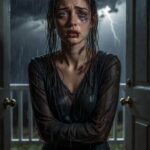
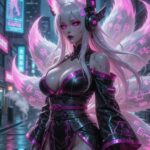
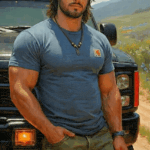

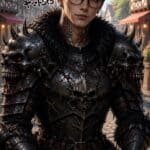
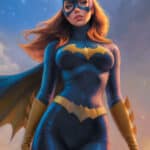
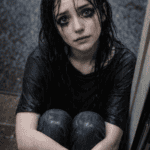

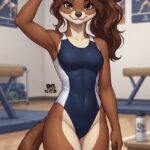


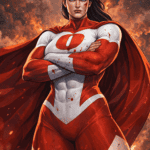
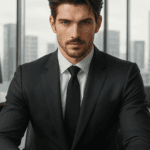
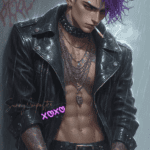
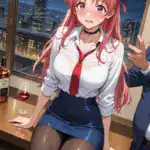


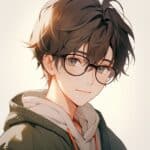








How Do I Make Images on RolePlaya? Styles, Snapshots, Scenes and Animation
 Captain, founder of RolePlaya
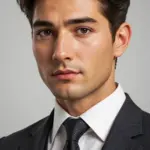
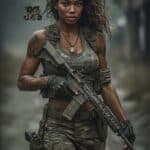
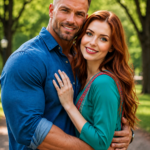
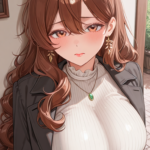
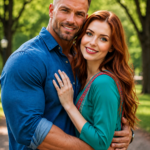
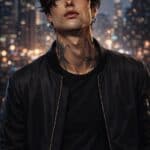
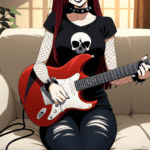
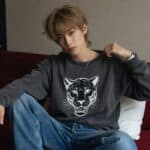
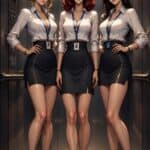
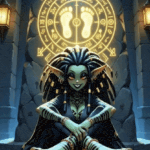
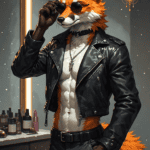
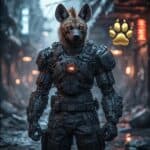
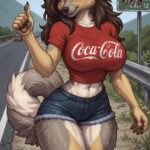
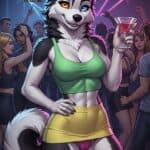
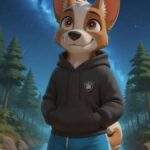
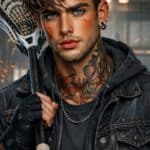
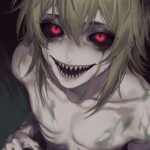
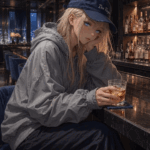
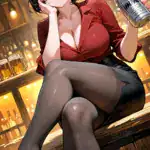
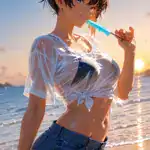
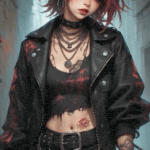
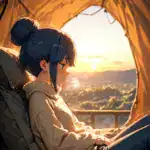
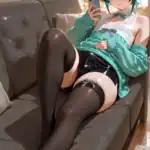
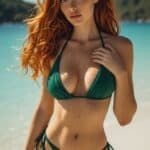
The short answer: RolePlaya has six ways to make pictures. The Image Generator creates character art in 28 styles, with free clicks every day. The camera in a chat turns the moment you are in into an image or a short video. Scene Backgrounds paint the place your story has moved to behind the chat. Animate brings a character’s picture to life, RePlaya turns a roleplay into a comic, and Mood Faces change a character’s expression as they react. This guide covers each one, what it costs and how to get the best results.
Every image feature at a glance
| Feature | What it makes | Who can use it | Cost |
|---|---|---|---|
| Image Generator | 2 to 4 character images per click in the style you choose | Everyone (styles depend on plan) | Free daily clicks, then Playa Points |
| Chat camera | An image or short video of the moment you are in | Everyone (videos on purchased points) | 650 Playa Points an image, videos from 400 |
| Scene Backgrounds | The character in your new location, behind the chat | Total Playa | Free to generate, 225 to save |
| Animate | A short looping animation of a character’s picture | Total Playa | 650 Playa Points |
| RePlaya comics | A comic of your roleplay with your own dialogue in the bubbles | Everyone | First comic free, then per panel |
| Mood Faces | The character’s face changes to match their mood | Everyone | Free |
How do I generate images on RolePlaya?
Open the Image Generator from the image button on Create a Character, from the character editor, or from the Snapshots tab or tile. The form runs in steps:
- Reference image (Total Playa): upload a photo and the images match that face.
- Gender: Male, Female, or Furry / Anthro.
- Composition: Close-up, Half body or Full body.
- Subjects: One character, or Multiple characters when your description has more than one person in it.
- Description: what you want to see.
- Style: the look of the finished image.
Tap Generate and the results appear beside the form (under it on a phone). Tap any image to view it full screen, then Use this image or Download.
How many free images do I get?
| Plan | Free clicks a day | Images per click | Extra clicks with Playa Points |
|---|---|---|---|
| Free | 2 | 2 | Up to 20 a day |
| Bit of a Playa | 3 | 3 | Up to 50 a day |
| Total Playa | 4 | 4 | Up to 100 a day |
Free clicks reset every day. Extra clicks cost between 20 and 100 Playa Points, and the price always shows before you generate.
Which image styles can I use?
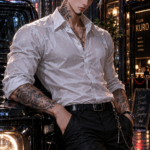
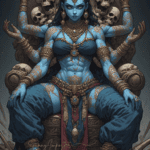
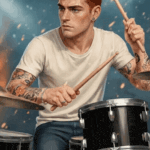
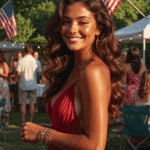
There are 28 styles. Locked styles show a lock, and tapping one tells you which plan opens it.
| Plan | Styles |
|---|---|
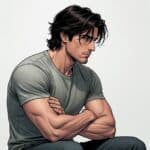
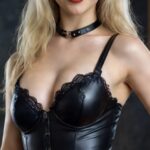
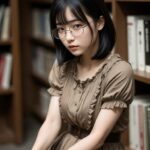
| Free (6) | Photo Realistic, Storybook, Pinup Model, Realistic Anime, Beachside, 3D Animated |
| Bit of a Playa (11 more) | Cyberpunk, Hyper Realism, Dark Fantasy, Film Noir, Cartoonime, Possessed, Hybrid, Fantasy Warrior, Ink & Wash, Neon Noir, Retro Airbrush |
| Total Playa (11 more) | Digital Painting, Ufotable Anime, Comic Book, Sexy Gothic, Bright Anime, Sculpted by the Gods, Dolled Up, Playa-nime, Studio Anime, Dream Anime, Vampire Noble |
Bit of a Playa members get the Free and Bit styles. Total Playa members get every style.
How do I get better results?
- Describe, don’t list. “Confident office portrait, warm window light, subtle smile” beats “woman, office”.
- Pick the composition first. Close-up for avatars and faces, Full body when the outfit matters.
- Match the style to the idea. A realistic style suits real-world scenes, an anime or painted style suits fantasy.
- Use Multiple characters when two people should be in the shot, so the generator draws both.
- Try again. Every click gives you several images, and a second click often lands the one you pictured.
Why was my image description rejected?
Some wording is blocked by the image filter. When that happens, RolePlaya rewrites your description tastefully and tries again by itself, and a small note tells you the wording was adjusted. If it still cannot be drawn, you are asked to reword it, and no free clicks or Playa Points are used. Cartoon and animated styles combined with revealing outfits are the most likely to be blocked, so switch to a realistic style for those.
How do I use my own face or a reference photo?
Total Playa members can upload a reference photo at step 1 when using a Bit of a Playa or Total Playa style. The generator matches the face and appearance in the photo. Any face works as a reference, including a celebrity or a look you found online, because the generator draws a brand new original image from it. It is optional, and without one the images come from your description.
How do I take a picture of a moment in my chat?
Tap the camera on the message bar. RolePlaya reads what is happening in your conversation right now, the setting, the mood and the action, and draws it as a new image of the character, true to how they look. If your Playa has an avatar, you appear in it too.
- An image costs 650 Playa Points.
- A short video costs 400 Playa Points the first time and 800 after that, paid with purchased Playa Points, up to five a day.
- The image appears in the chat and is saved privately to your collection. The eye icon hides it if you want privacy.
- You are only charged if it works. A failed image costs nothing.
Want the full rundown on the image collection and the marketplace? Read What Are Snapshots on RolePlaya?
How do I sell my images?
Creators can list images of their characters as Snapshots on the marketplace. Open an image you made, tap Add to Marketplace and set a price in Playa Points. You earn Playa Points every time another member buys it, and you keep your own copy. Buyers find Snapshots on the character’s profile, and anything they already own is hidden so they never buy it twice.
How do Scene Backgrounds work?
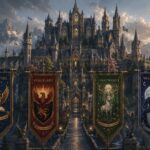
On Total Playa, when your story moves somewhere new, a beach, a rooftop bar, a forest at night, RolePlaya automatically paints the character in that place and fades it in behind the chat. A small spinner shows while it is being made. Return to the same place with the same character later and it loads instantly.
- Free to generate, with nothing to set up.
- Tap Save Wallpaper to keep one for 225 Playa Points.
- Name the place in your message for a sharper scene: “we duck into a neon-lit noodle bar” works better than “we go inside”.
- Switch them off in Settings if you would rather keep the character’s own art.
More tips in What Are Scene Backgrounds on RolePlaya?
How do I animate a character?
Total Playa members can turn a character’s picture into a short looping animation for 650 Playa Points. Tap Animate on the character’s profile. Once it is ready, the animation plays on the character’s card and in chat instead of the still image, and you can save it to your device. Reanimate makes a new version if you want a different movement.
How do I turn my roleplay into a comic?
Open any chat, open the menu and tap the RePlaya tile. Pick the messages you want as panels, or tap Last 6 or Last 10 to grab a whole scene, choose an art style and colour or black and white, then tap Create. Your own dialogue goes into the speech bubbles and your Playa is drawn in if they have an avatar. It keeps drawing in the background, so you can carry on chatting while it works.
| Plan | Comic length | Cost per panel | How often |
|---|---|---|---|
| Free | 1 page, 4 panels | 400 Playa Points | One every 7 days |
| Bit of a Playa | 2 pages, 8 panels | 300 Playa Points | As many as you like |
| Total Playa | 3 pages, 12 panels | 250 Playa Points | As many as you like |
Your first comic ever is free on any plan. You only pay for panels that draw, and a failed panel can be redrawn. Bit of a Playa and Total Playa members can share a comic with a private link.
Why does my character’s face keep changing?
That is Mood Faces, free for every member. Each reply carries the character’s mood, and when it changes, their picture switches to a matching expression: happy, flirty, shy, surprised, angry, sad and more. A close-up pops up for a couple of seconds so you notice. Only the face changes, never the outfit or background. Turn it off with Face Pop-ups in the chat Settings. Read more in What Are Moods and Mood Faces on RolePlaya?
What are the image rules on RolePlaya?
RolePlaya is an 18+ platform only. Chats can be flirty, romantic and mature between adult characters. Images never contain nudity or pornography. Nothing involving minors. Every image feature on the site follows these rules:
- Original images only. Every character image must be generated or created by you. No pictures taken from Google, other websites or social media, and no other artists’ work or watermarked images.
- No nudity or pornography in any image, on any plan.
- No minors, ever. Every character must be an adult, 18 or over, whatever they are called and however they are drawn.
- Adult members only. You must be 18 or over to use RolePlaya.
- References are fine, copies are not. You can use any photo as a reference in the Image Generator, because it creates a new original image. Uploading someone else’s picture as your character image is not allowed.
The Image Generator is the easiest way to stay inside the rules: everything it makes is original to you. Images that break the rules are removed.
Frequently asked questions
How do I make an image of my character on RolePlaya?
Open the Image Generator from Create a Character, the character editor or the Snapshots tab. Choose gender, composition, subjects, a description and a style, then tap Generate and pick the image you like.
How many free images do I get on RolePlaya?
Free members get 2 free clicks a day with 2 images each, Bit of a Playa 3 clicks of 3 images, and Total Playa 4 clicks of 4 images. Free clicks reset daily, and extra clicks cost Playa Points.
How many image styles does RolePlaya have?
28. Six are free for everyone, Bit of a Playa adds 11 more, and Total Playa unlocks all 28.
Do I lose points if my image is blocked?
No. If a description cannot be drawn, no free clicks or Playa Points are used. RolePlaya first tries a tasteful rewrite automatically, and if that fails you are asked to reword it.
Can I put my own face on a RolePlaya character?
Yes, on Total Playa. Upload a reference photo at step 1 of the Image Generator with a subscriber style and the images match that face.
How do I take a picture of what is happening in my chat?
Tap the camera on the message bar. It draws the current moment of your story as a new image for 650 Playa Points, or a short video from 400 purchased Playa Points. You are only charged if it works.
How do I animate a character on RolePlaya?
Total Playa members tap Animate on the character’s profile. It costs 650 Playa Points and the animation then plays on the character’s card and in chat.
Can I turn my roleplay into a comic?
Yes. Tap the RePlaya tile in any chat, pick the messages to use, choose a style and tap Create. Your first comic is free, and after that you pay per panel.
Can I use pictures from Google for my RolePlaya character?
No. Character images must be original, generated with the Image Generator or created by you. Pictures taken from Google, other websites or social media are not allowed.
Can RolePlaya characters be under 18?
No. Every character must be 18 or over, whatever they are called, and only adults can use RolePlaya.
Does RolePlaya allow NSFW images?
No. RolePlaya is 18+ and chats can be mature between adult characters, but images never contain nudity or pornography and nothing involves minors.
Compare what each plan unlocks on the RolePlaya pricing page, and see how characters keep track of your story in How Memory Works on RolePlaya.
Try RolePlaya free
50 messages a day, no adverts, no card details. 18+ only.